Authenticated access
Credentials, active account state and available credit are verified before protected operations continue.
Account controlClick FRP Tool connects a clean portable client to authenticated accounts, controlled service availability, credit-aware requests and traceable operation results.
The public Tool remains simple for the operator while the platform handles identity, availability, pricing, version compatibility and operational records.
Credentials, active account state and available credit are verified before protected operations continue.
Account controlThe client reflects server-controlled availability, keeping inactive operations visibly unavailable.
Server statusService prices and user balances remain connected to authenticated requests and administrative controls.
Balance controlThe version gate identifies unsupported builds and directs users to the official manual download page.
No auto-installerRequest records and actual device results can be reviewed through the authenticated web panel.
TraceabilityFRP, FDL/EDL, UBL and MTK6 use dedicated flows whose availability can be managed independently.
Controlled modules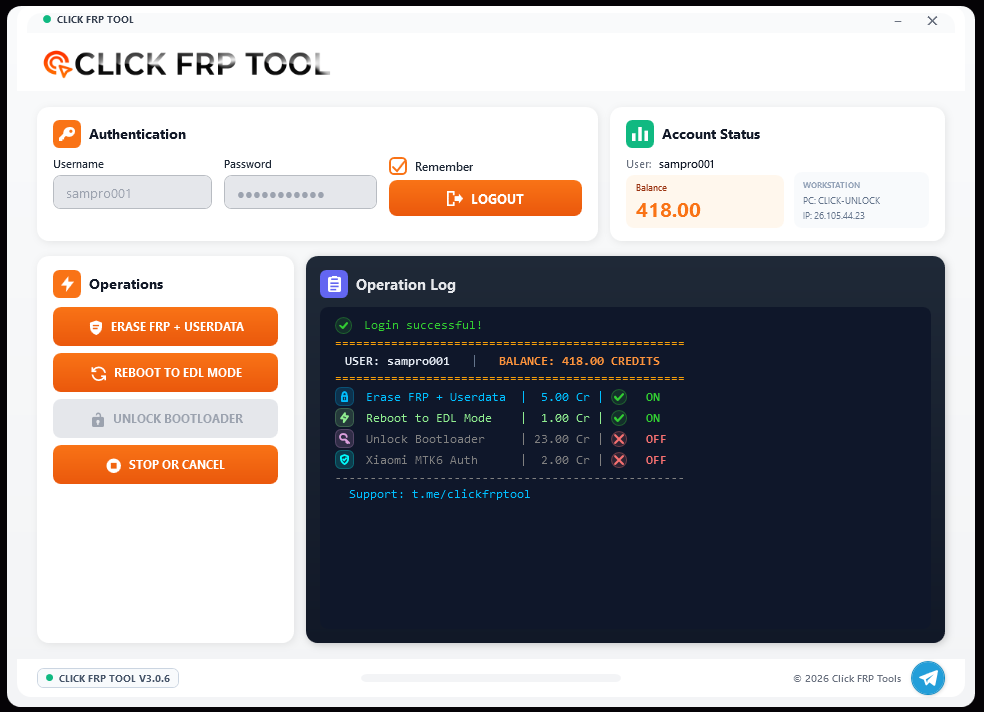
The Tool keeps the real operation understandable from sign-in through the final device result.
Sign in with an active account and load the current balance.
Read service state and present only the correct enabled actions.
Show connection and operation progress in the desktop log.
Submit the actual device outcome to Device Operation Logs.
The application separates authentication, account information, operation controls and live output without unnecessary screens.
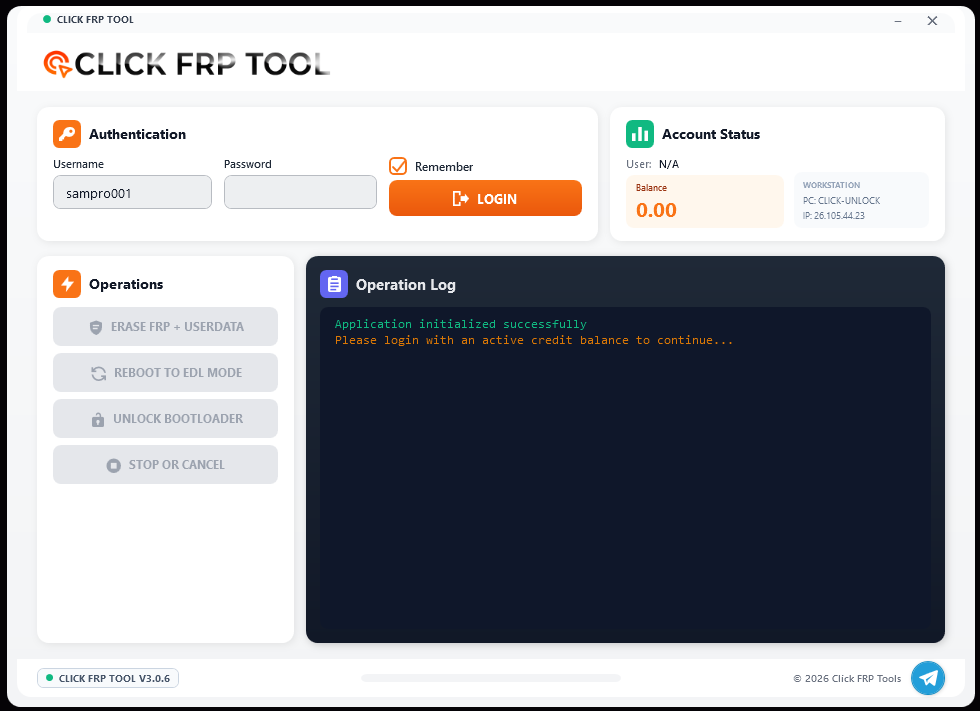
Account access and workstation information are visible before an operation starts.
Availability, price and operation output remain readable in the same workspace.
The updated public presentation carries the same graphite, orange and cyan language across the product, website and Windows client.

A product presentation centered on controlled device operations and a clear professional identity.
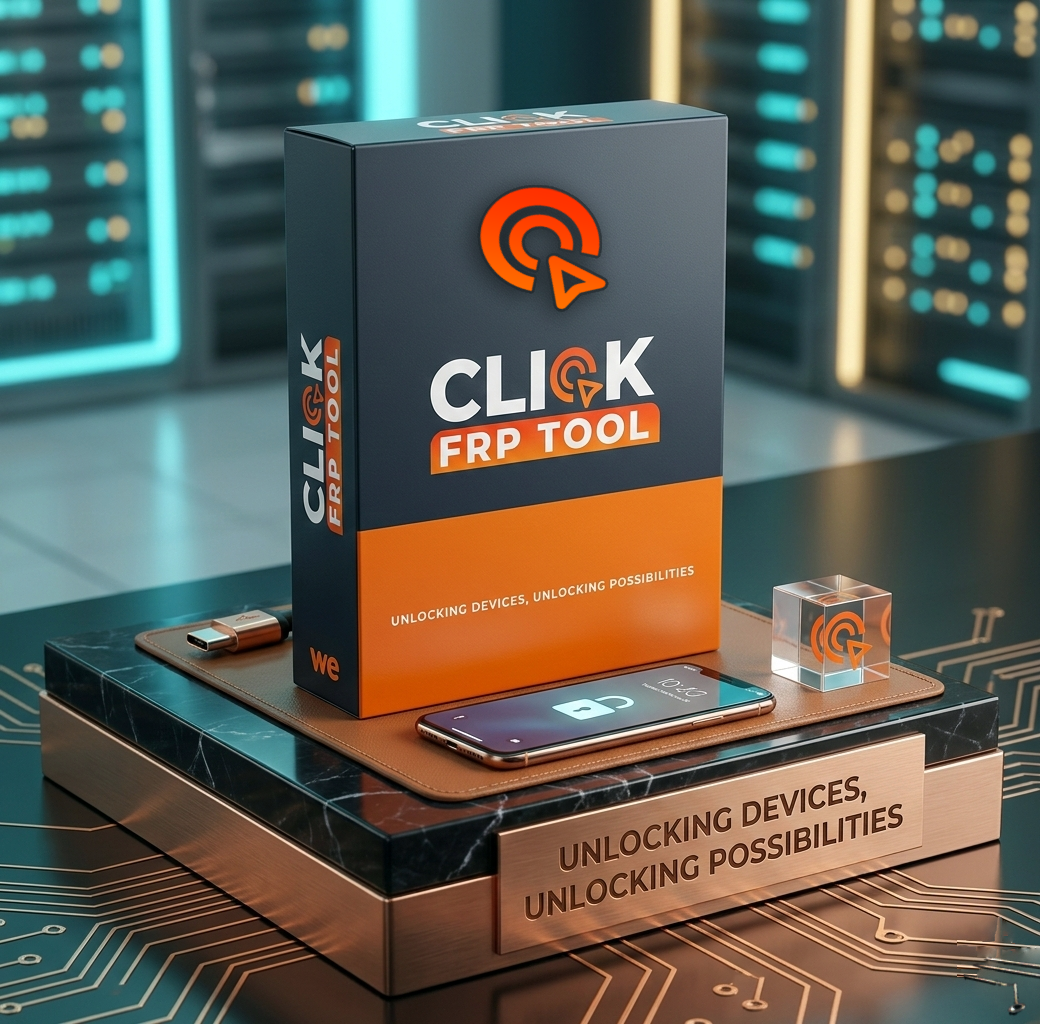
The Tool stays focused while service state and account controls remain centralized.
Download the portable EXE manually from the official page, sign in with your account and use the services currently enabled for your profile.